Control valves are common executive elements in industrial control systems and are widely used in fields such as fluid control, pressure regulation, and flow control. With the development of computer simulation technology, using MATLAB to model and simulate control valves has become an important means of engineering design and research. This article will introduce the basic ideas and implementation methods of using MATLAB to simulate and model control valves.
## One: The Basic Principle of Control Valves
Control valves control the flow area by changing the opening between the valve core and the valve seat, thereby achieving the purpose of regulating flow rate or pressure. The control is usually driven by an external signal (such as the output of a PID controller) to drive the electric or pneumatic actuator, moving the valve core.
The dynamic characteristics of control valves are usually described by a first-order inertia link or a second-order system:
G(s) = \frac{K}{\tau s + 1}
Among them, $ K $ is the gain, and $ \tau $ is the time constant. Nonlinear characteristics can also be added according to the specific type of valve (such as linear valves, equal percentage valves, etc.).
## Two: Establishing a Control Valve Model in MATLAB
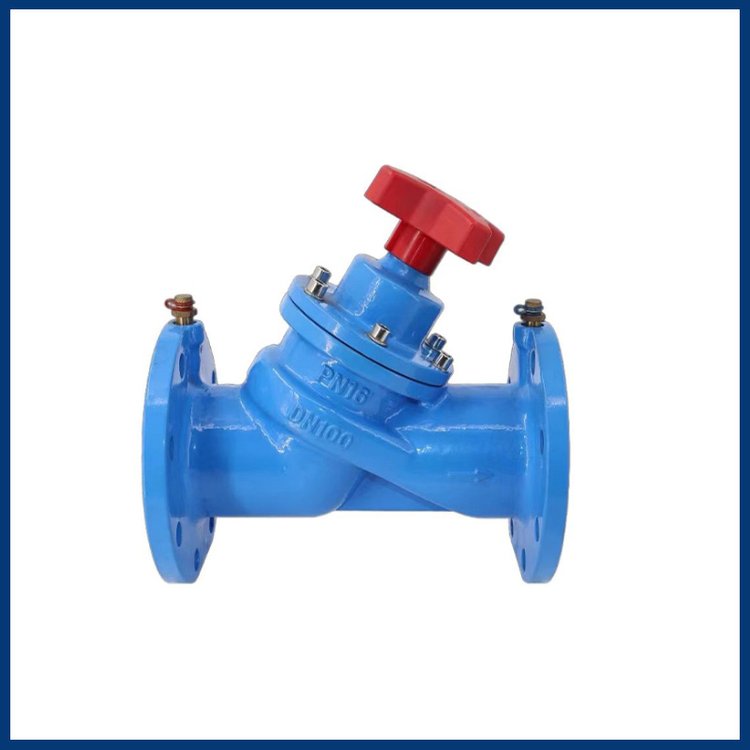
MATLAB provides powerful system modeling tools such as Simulink, Control System Toolbox, and Simscape, which can be used to build mathematical models of control valves.
1. Use Simulink to establish a linear model
After opening Simulink, you can use the Transfer Fcn module to represent the transfer function of the regulating valve. For example, assuming the transfer function of the regulating valve is:
G(s) = \frac{1}{2s + 1}
You can add a Transfer Fcn module in Simulink, set the numerator to [1], and the denominator to [2 1]; then add a Step module as the input signal, and use the Scope module to observe the output response.
2. Introduce nonlinear factors
Actual regulating valves often have nonlinear factors such as dead zone, saturation, hysteresis, etc. These nonlinear behaviors can be simulated using modules such as Dead Zone, Saturation, and Backlash in Simulink, thereby improving the accuracy of the model.
3. Closed-loop simulation combined with PID control
To simulate a complete control system, you can connect the model of the regulating valve with the controlled object (such as a water tank, pipeline) and use the PID Controller module provided by MATLAB to build a closed-loop control system. Users can adjust the PID parameters to observe the response effect of the regulating valve under different control strategies.
## Three, Parameter Identification and Model Verification
To make the simulation results closer to the actual situation, it is usually necessary to identify the model parameters of the regulating valve through experimental data. You can use MATLAB's System Identification Toolbox to identify the collected input-output data to obtain a more accurate model.
For example, taking the valve opening as input, flow rate or pressure as output, use `tfest` or `ssest` functions to estimate the
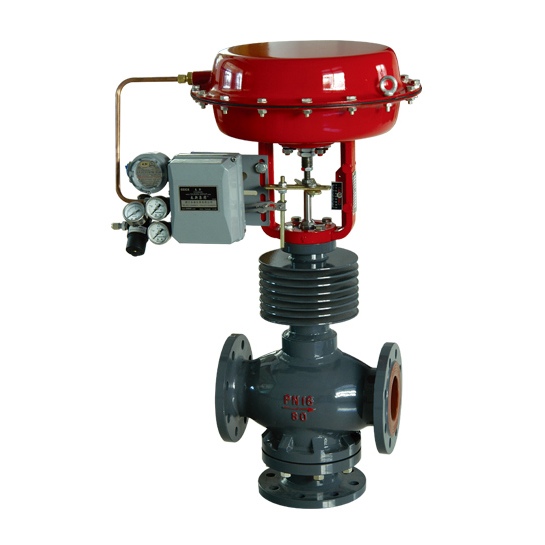
transfer function or state-space model of the system.
## Four, Simulation Results Analysis and Optimization
After completing the modeling and simulation, you can use MATLAB's data analysis function to draw response curves, calculate performance indicators
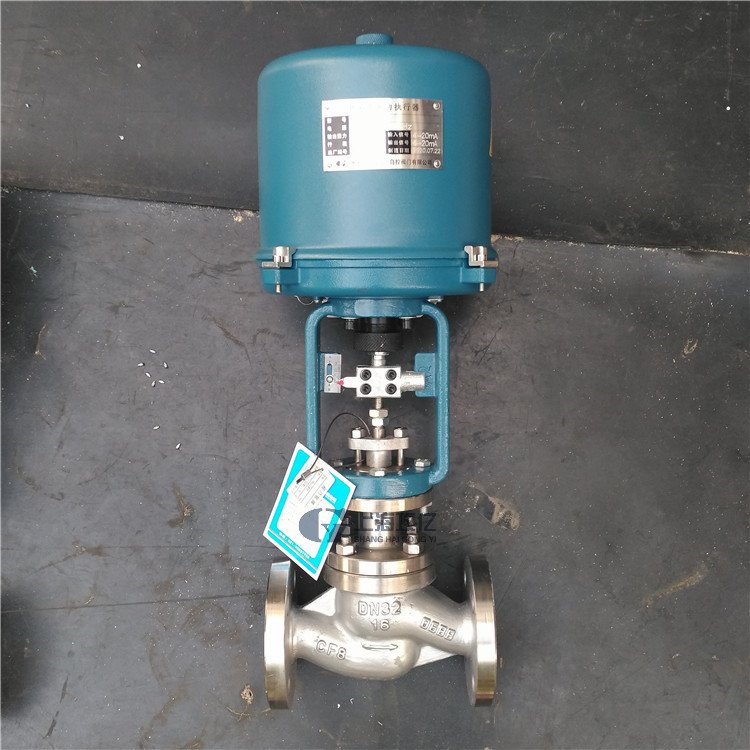
(such as rise time, overshoot), and optimize the control strategy. Through multiple simulation iterations, the stability and response speed of the system can be improved.
## Conclusion
MATLAB provides strong support for the modeling and simulation of regulating valves, whether it is the analysis of linear systems or nonlinear systems, which can be realized through Simulink and its toolboxes with efficient and intuitive simulation processes. Through simulation, engineers can predict the behavior of regulating valves at the design stage, optimize controller parameters, improve system performance and reliability, and has important engineering application value.
With the continuous development of simulation technology, MATLAB will continue to play an important role in the research and development of control systems for regulating valves. Mastering MATLAB simulation skills is of great significance for technical personnel engaged in the field of automation control.

